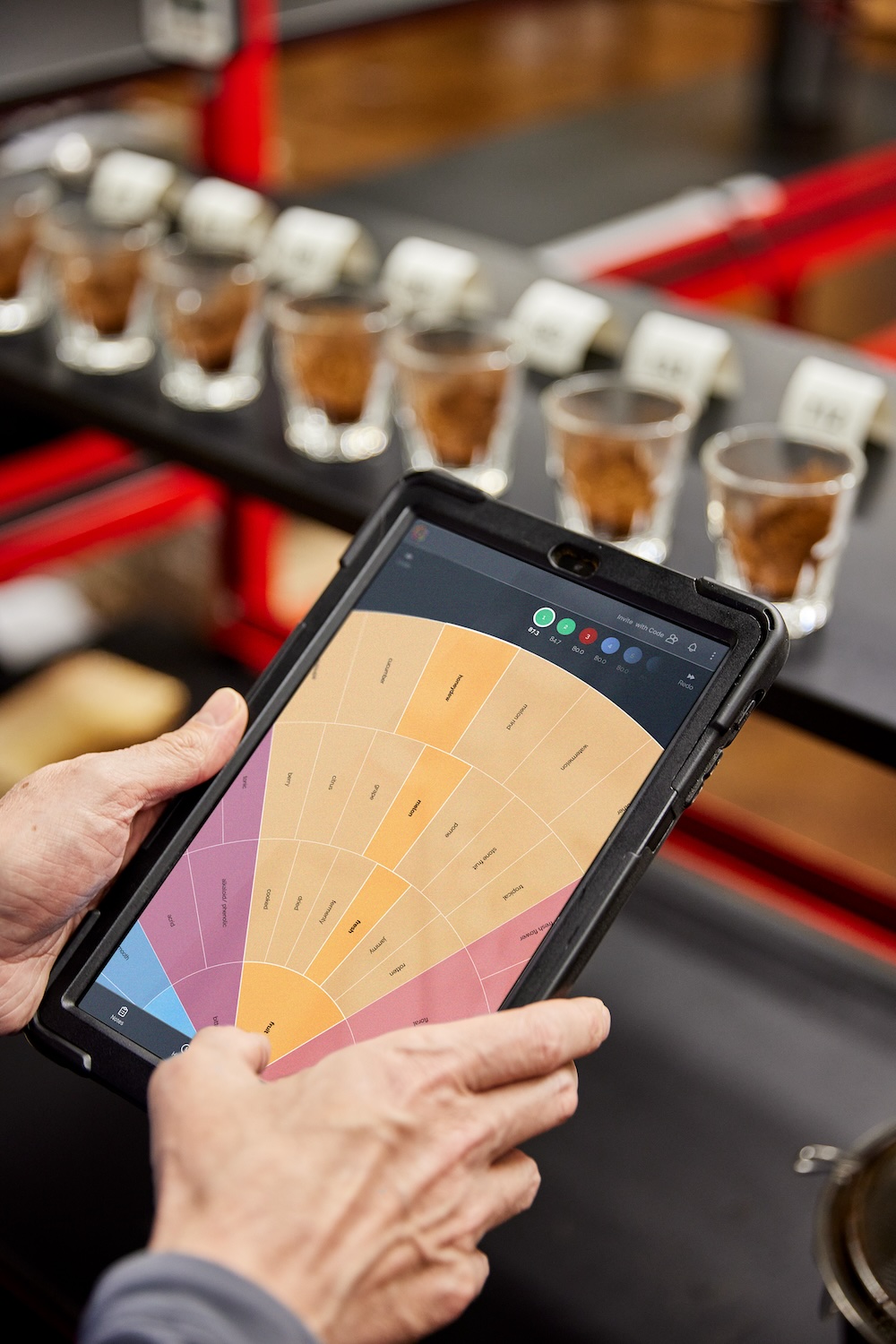
Every coffee we source gets cupped 12-18 times by our sensory team. Every input from every cupper gets captured in our digital cupping form, The Coffee Rose. That adds up to a lot of data, and now it’s yours to explore.
Each coffee on our site and portal has a Beanology, a place where all its info lives. You might be familiar with these; we’re quite fond of them! This is where you can learn more about producers, programs, processing methods, and download photos.
We’re excited to make these even more dynamic, providing you with more coffee data than ever before.
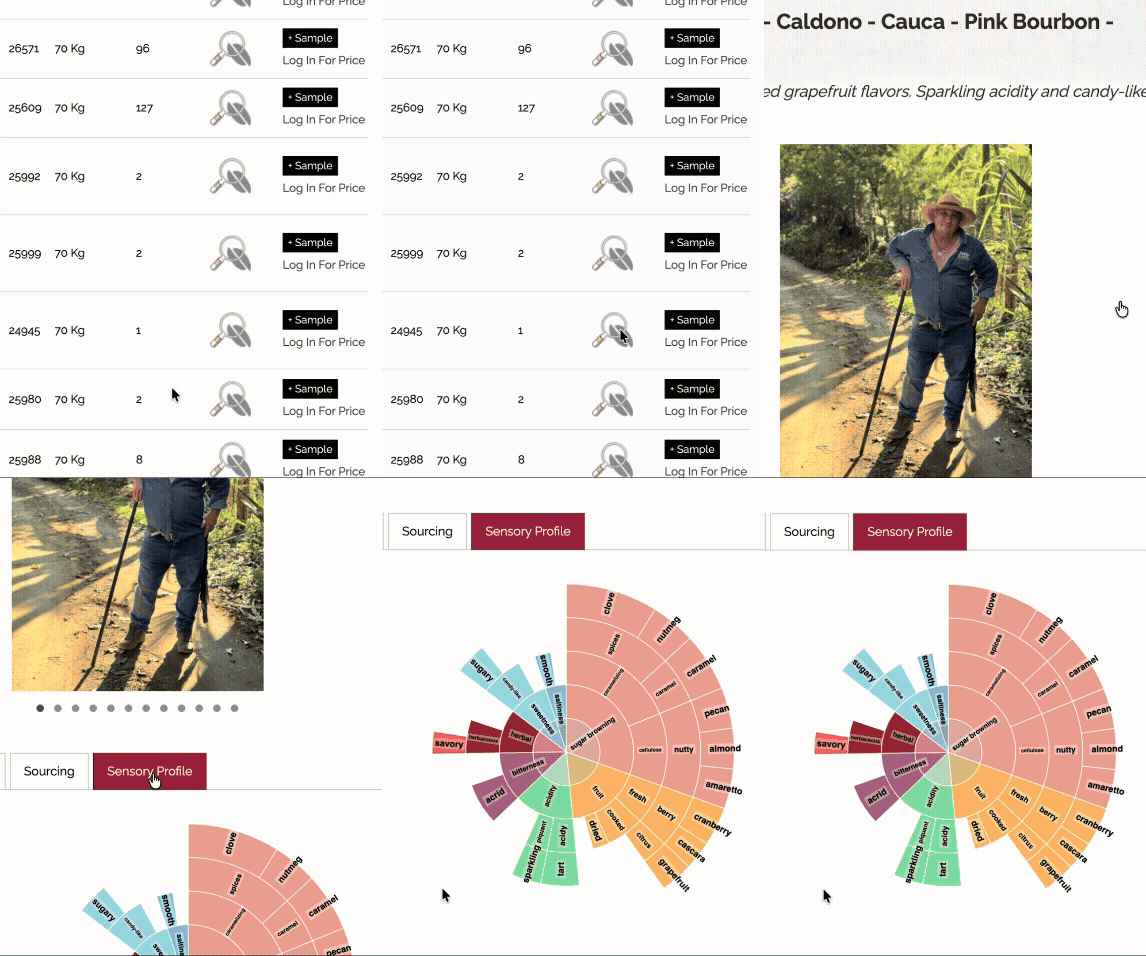
From the website offerings list, click the bean with the magnifying glass to open a coffee’s Beanology.
In the customer portal, head to the offering list and click the red coffee bean  to view a Beanology.
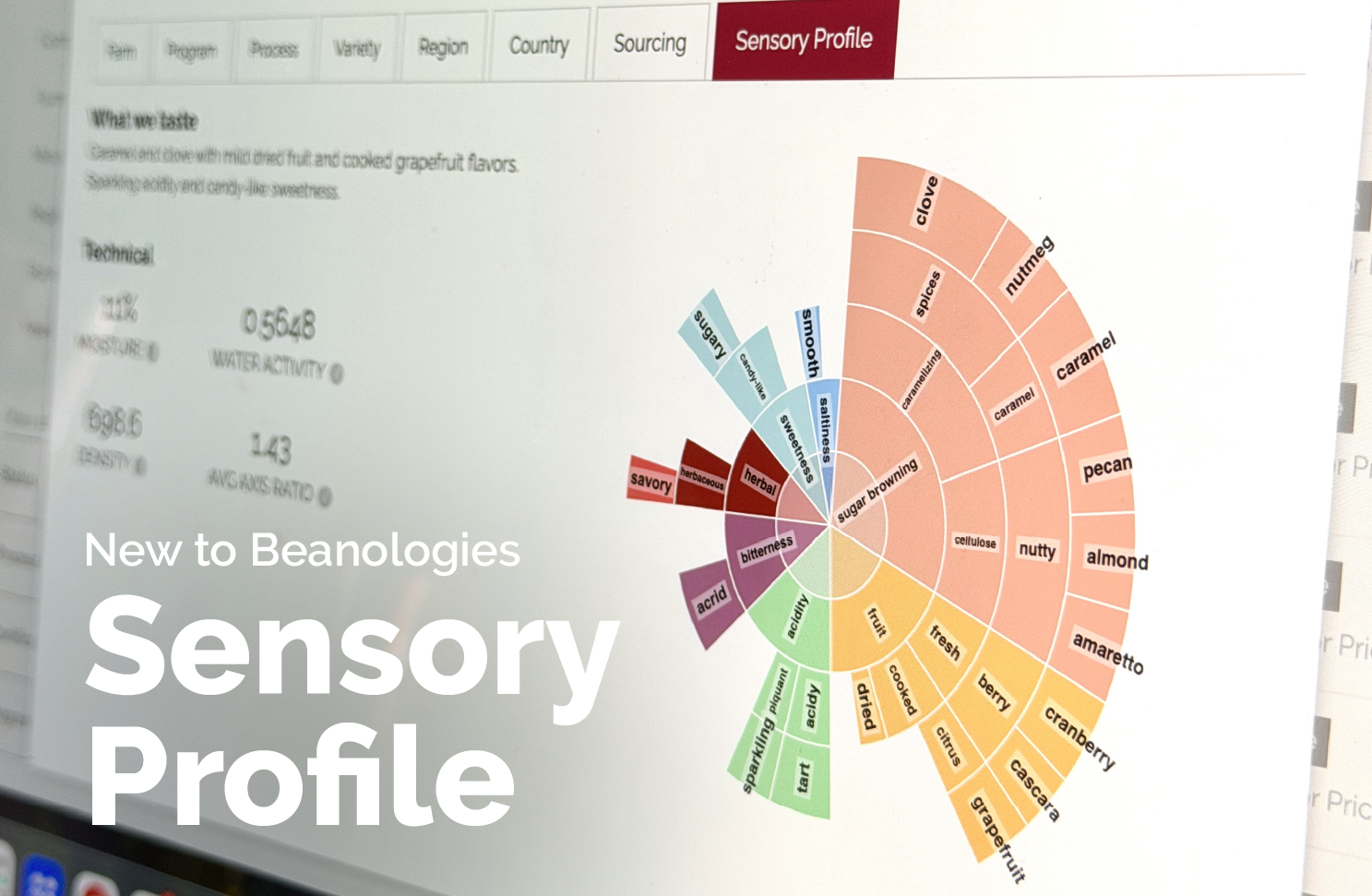
From there, you’ll see a row of tabs below the coffee’s details and photos. The new Sensory Profile tab is the farthest on the right.
For the coffee geeks, you can now view moisture, water activity, density, and axis ratio. These technical measurements are taken of every coffee that arrives and can give you a better picture of the physical coffee. Check out the video below to hear Director of Sensory Analysis, Ian Fretheim, dive into what these specs are and why they might matter to you as a roaster or green buyer.
For those who focus more on cup profile, check out the full Coffee Rose output from our sensory analysts. The Coffee Rose is our digital cupping tool that our team uses every day. This flavor wheel output in the Sensory Profile tab shares every note our cuppers have documented from each coffee across multiple cuppings and multiple days.
You can learn more about the Coffee Rose here or try it for yourself through the customer portal. Either log in or create an account to get started.